Say Goodbye to His20s the Right Way
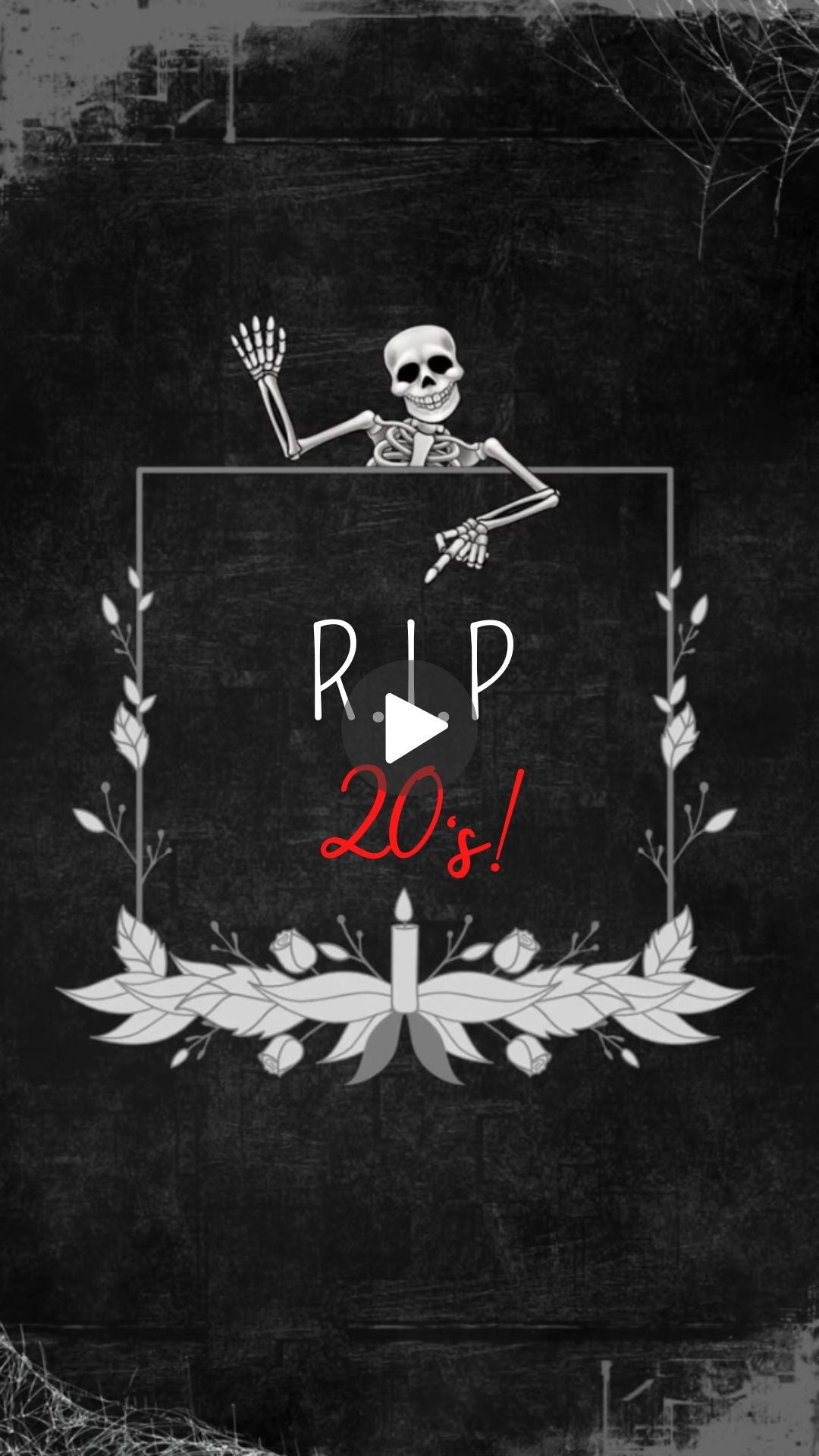
His 20s are officially over.Done. Gone. And honestly?They deserve a properfuneral — with aparty attached.
ThisDeath to His 20s birthday animated video invitation is theperfect way to kick off his 30th withserious style. It's bold. It's funny.It grabs attention the second someoneopens it. And it tells every guestexactly what kind of night they'rewalking into.
No boring paper cards.No plain digital flyers. Just afully animated MP4 video invitationthat moves, pops and gets peopleexcited before the party even starts.
What Makes This Invitation Special
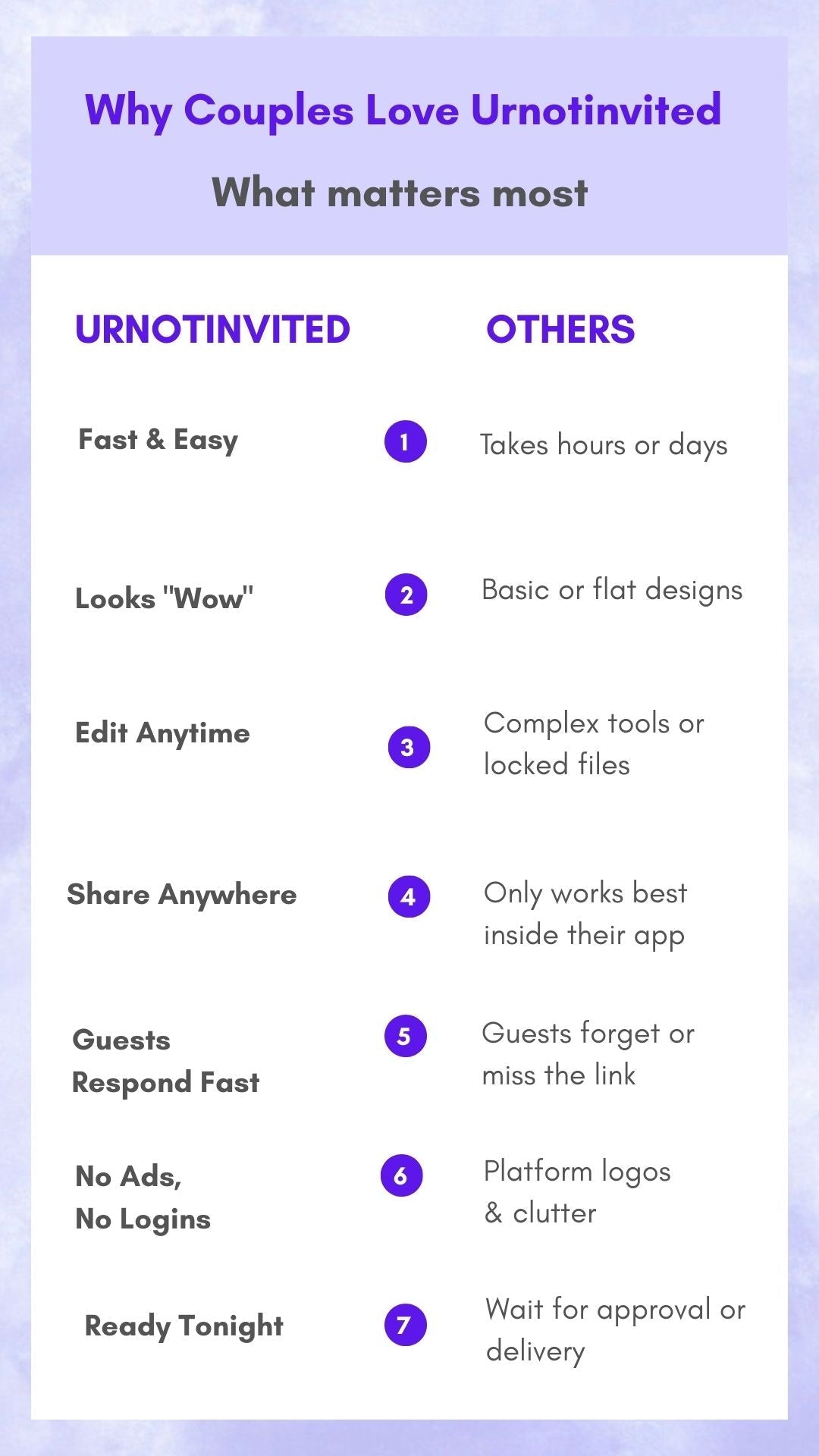
Most birthday invites look thesame. Flat. Forgettable.Deleted in two seconds.
Theanimation brings thewhole "RIP to his 20s" theme to life ina way that makespeople actually stop scrolling andpay attention.Bold visuals. Sharp text. Fun energyfrom the very first frame. Itmatches the vibe of a guy who lived his20s hard and is ready to own his 30seven harder.
Every single detailgets customized — his name, the date,the venue, the time andanything else you want guests to know.Ourreal human editors handle all ofit by hand. No automation. Nocopy-paste jobs. Just clean, carefulediting that makes the invite look likeit was made just for him. Because itwas.
Why you’ll love it
◆ Eco-friendly + budget-friendly – no printing or shipping required
◆ Perfect for last-minute planning
◆ Easy sharing with guests via text, WhatsApp, email, or social media
Choose your package
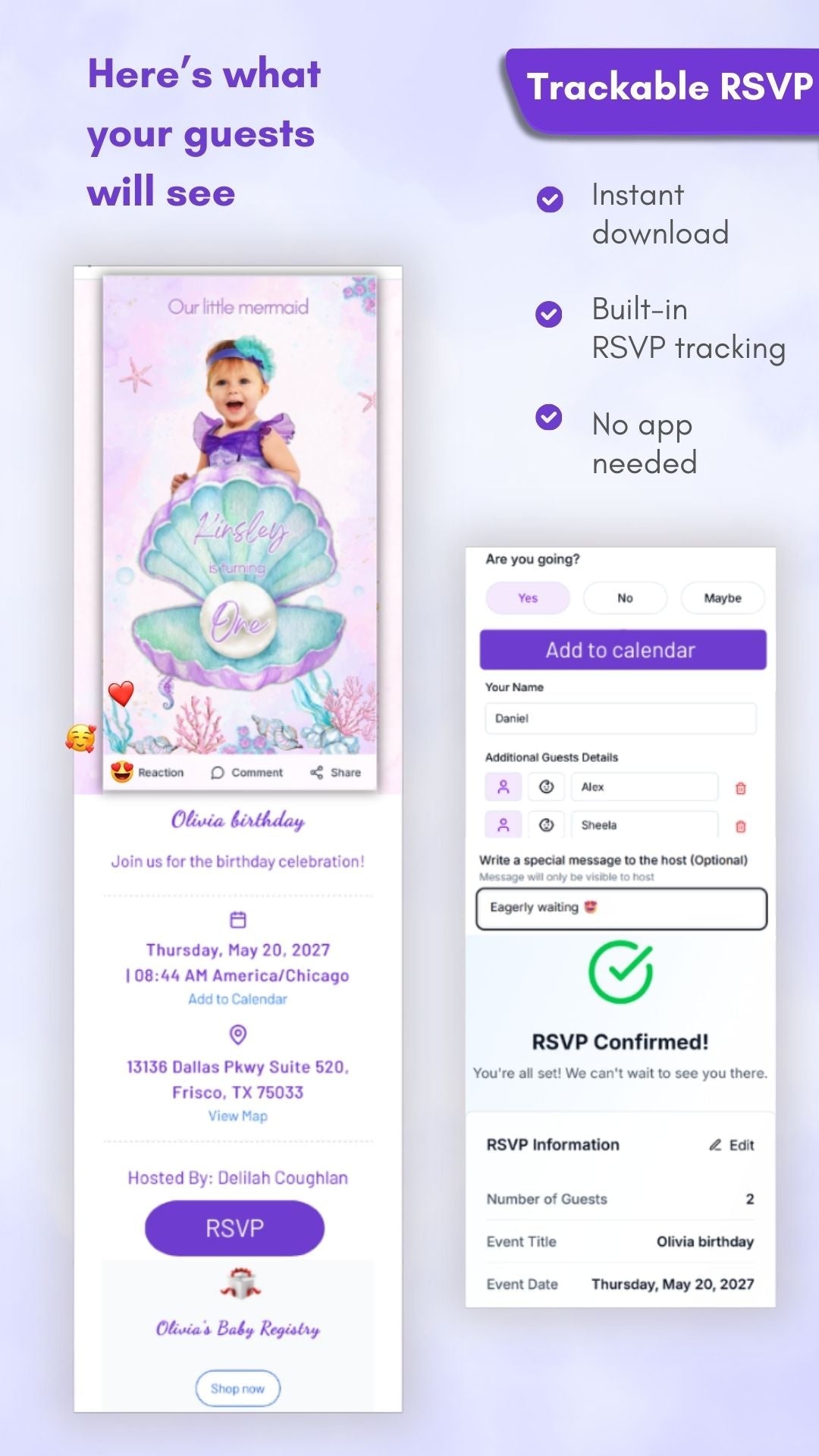
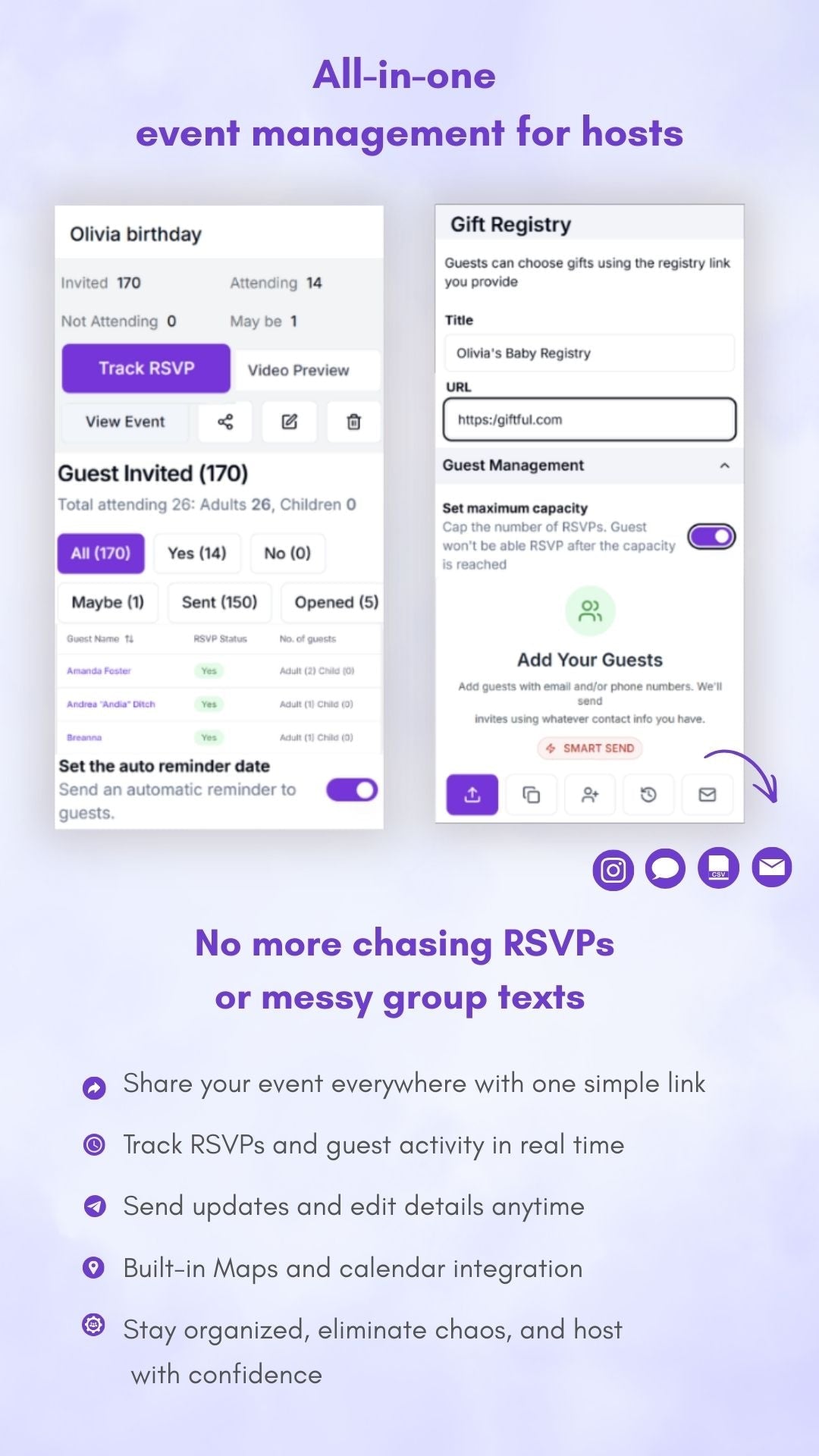
✓ Video + RSVP (recommended): Live RSVP page, guest counts, alerts, auto reminders, exportable list
✓ Video only: Animated video (MP4). No RSVP page or notifications
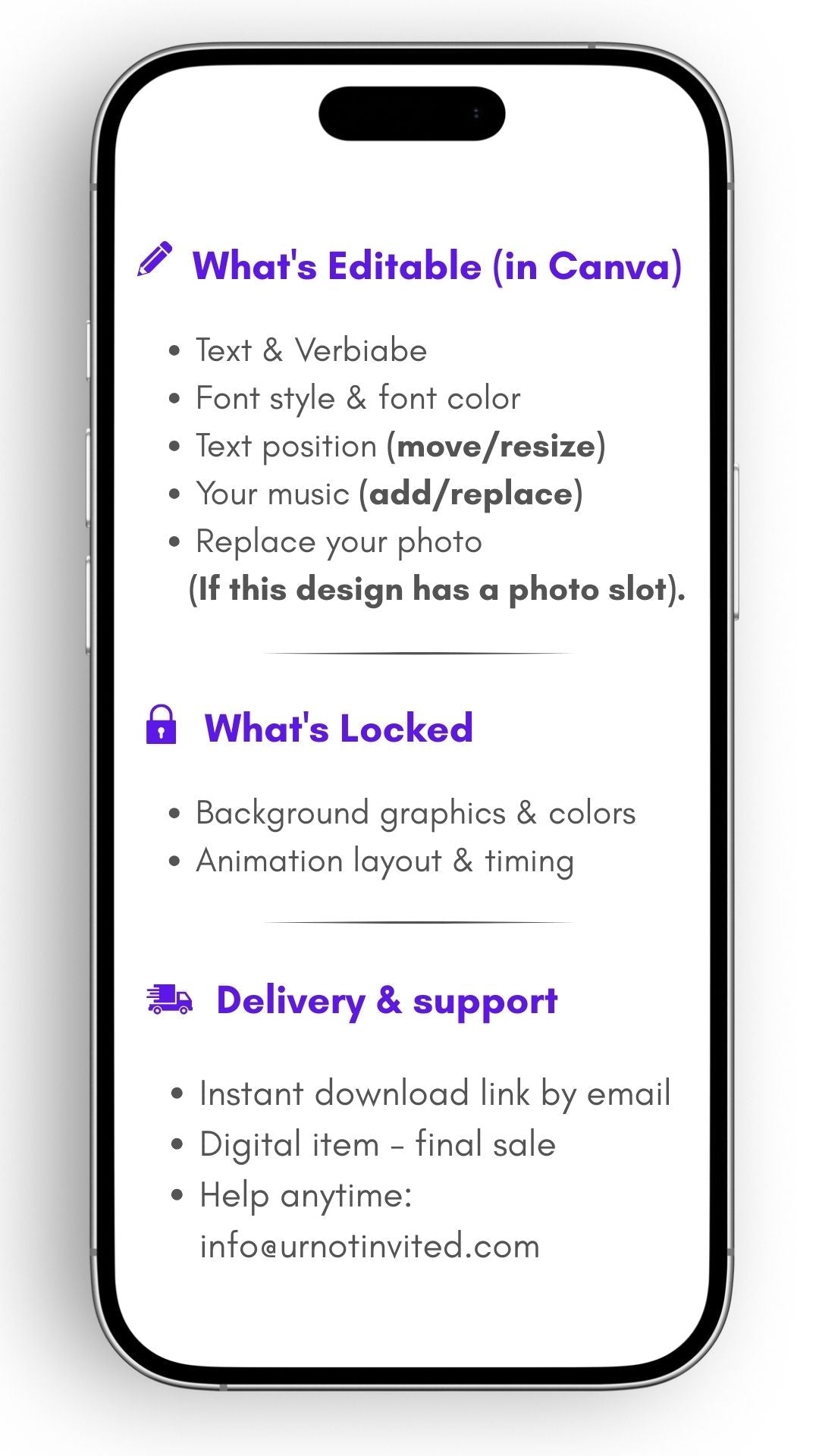
✦ What’s editable (in Canva)
◆ Text & verbiage
◆ Font style & font color
◆ Text position (move/resize)
◆ Your music (add/replace)
◆ Replace your photo (if this design has a photo slot)
What’s locked
◆ Background graphics & colors
◆ Animation layout & timing
✦ How it works
-
Download & open – instantly receive a PDF with your Canva template link.
-
Customize in Canva – edit text, photos, and music in Canva’s free editor.
-
Save & share – export your video and share it via text, WhatsApp, email, or social media.
What you’ll get
✓ Canva video invitation template (mobile–friendly size)
✓ PDF guide with clickable link + step-by-step instructions
✓ Bonus video tutorial for easy editing
✓ Lifetime access to your template and updates
Good to know
✓ Instant digital download – no physical item shipped
✓ Best shared via WhatsApp, Email, or Social Media (not Text for Android users)
✓ Use the correct email at checkout for instant access
✓ Colors may vary slightly between screens
✓ Digital items are non–refundable (all sales final)
✓ For personal use only – not for resale or redistribution
Upgrade your invite (optional)
✧ Crystal-clear video playback – no blur or compression
✧ One-click RSVPs – guests reply instantly online
✧ Automatic reminders – no more chasing confirmations
✧ Real-time tracking – see who opened and RSVP’d
✧ Guest limit control – manage attendance with ease
Need help?
✓ Email: info@urnotinvited.com
✓ Call: 1–(833)-577-1907
✓ Want us to customize it?
We’ll edit your invitation and deliver it to your email within 24–48 hours (additional fee applies).
Ready to create the invitation they'll actually remember?
Click "Add to cart" now. Edit in 5 minutes. Wow your guests for years!