Animated Video Invitations for WhatsApp, Text & Social Media
Hosting a memorable event begins with a great first impression. Traditional paper cards often face unpredictable shipping timelines, while static digital images fail to capture the energy of a real milestone celebration. High-resolution MP4 video invitations solve these challenges by transforming basic event notifications into cinematic movie trailers.
Planning a party requires managing multiple moving parts simultaneously. The modern invitation process must be fast, reliable, and mobile-optimized. Event hosts need a streamlined way to build guest excitement and collect headcount metrics without chasingpeople down through endless text groups.
A premium video invite creates anticipation the moment it hits a smartphone screen. By blending fluid motion graphics, synchronized audio tracks, and instant digital delivery, your invitation establishes the exact theme for your upcoming celebration.
Why are video invitations replacing paper cards for modern events?
Paper cards require high printing costs and manual mailing execution, and standard domestic mail delivery can take several business days to arrive. Digital video transmission sends your invitation instantly to any mobile device worldwide.
Sustainability concerns also accelerate the transition toward paperless alternatives. Since paper products remain a significant component of municipal waste streams, selecting a smartphone invitation completely eliminates chemical ink printing and manufacturing emissions.
Beyond environmental advantages, the primary benefit centers on automated interaction tracking. Physical RSVP notes force guests to manually drop return cards into a mailbox. Modern video invites utilize smart web links so your guests can confirm attendance immediately.
What makes your video invitations mobile-friendly?
A high-performing digital invitation must run smoothly across all consumer devices. Our creative templates use the universal H.264 MP4 file container layout. This exact technical standard ensures your media plays perfectly inside both Apple iOS and Android operating systems.
Visual clarity depends directly on targeted aspect ratios. Every video follows a crisp vertical 1080 x 1920 pixel blueprint. This layout matches modern smartphone viewing screens perfectly. It offers a full-screen presentation with zero distortion or black borders.
Can I send these video invitations using basic text messaging?
Yes, you can distribute these digital files across all major consumer communications channels. The optimized file compression allows you to attach media directly to an iMessage or send a hosting link over WhatsApp. Your guests do not need to install software to view it.
How can I get help editing my invitation?
Many party planners experience immediate application fatigue when trying to modify self-service templates. Adjusting complex timeline layers, lining up text boxes, and sync matching custom soundtracks can quickly become frustrating.
We remove this complexity by providing direct human production services. You simply pick your preferred theme and share your party logistics through our structured setup portal. Our professional design team takes care of the typesetting and file rendering.
This full-service option ensures a correct final layout for your guests while saving you hours of technical frustration. Your finished video file arrives in your email inbox fully compressed and ready for immediate mobile sharing.
How long does it take to get a completed video invitation?
Self-service Canva template access links drop into your email dashboard within five minutes of purchase. If you choose our premium full-service option, our human design team customizes and delivers your final video file within 24 to 48 hours.
What trending themes are available in your catalog?
Our digital library contains over 500 unique motion design templates matching diverse party themes. We organize our catalog into clear category hubs to help you discover the exact visual style required for your event.
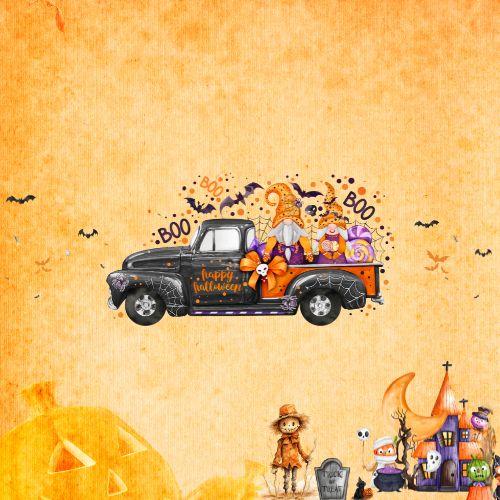
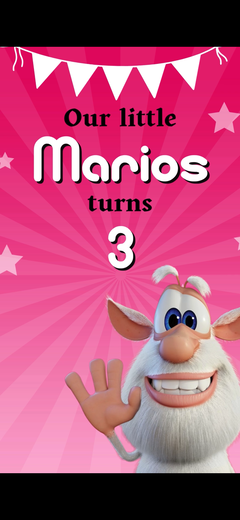
- Kids & Teen Milestones: High-energy animations featuring popular children's characters, vibrant graphic tones, and upbeat audio themes.
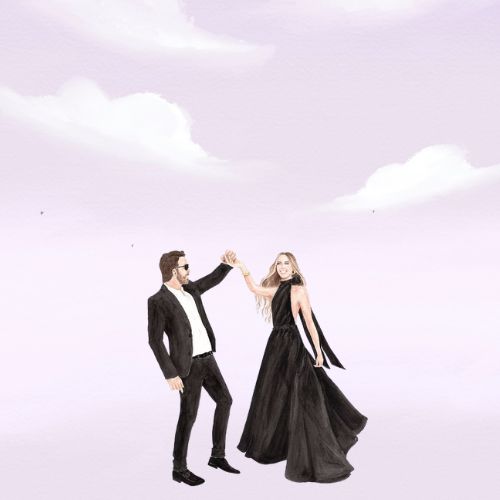
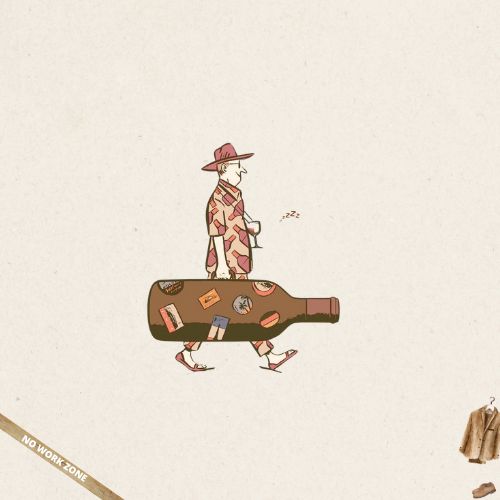
- Adult Milestone Galas: Sleek layouts tailored specifically for 30th, 40th, and 50th celebrations, whiskey tastings, and formal black-tie events.
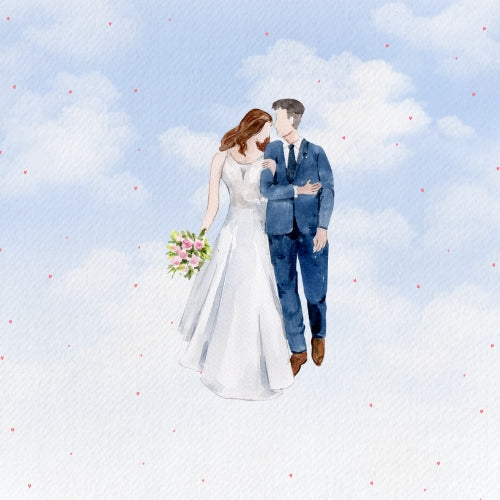
- Weddings & Nuptials: Elegant typography suites for engagement announcements, formal weddings, bridal showers, and save-the-date notifications.
- Family Gatherings: Specialized templates for baby showers, gender reveals, quinceañeras, retirement parties, and graduation events.
Do my guests need to create a profile to submit their RSVP?
Guests never have to register for an account to confirm attendance. Clicking your shared smart link opens a clean mobile web form in their browser. Guests type their name, check their response status, and your dashboard updates automatically.
How does the creation process work?
- Step 1: Browse 500+ Animated Invitation Templates. The creation process starts by exploring our design marketplace. You can sort options by age group, styling preference, or event type. Every product page includes a real-time playback video showing the exact graphic movements and transitions.
- Step 2: Customize via Canva or Let Our Professionals Handle It. After picking a theme, you choose your production method. If you like editing, use our instant workspace download option. If you want to save time, select our service tier and enter your date and location specs.
- Step 3: Send via Smart Link & Track Guest RSVPs Instantly. Your final video file is ready for deployment once production finishes. You receive a secure web link to text out to your phone contacts. As people open the invite and reply, your host dashboard tracks headcount variables instantly.
What happens if my party location changes after purchase?
If your event coordinates change, our support channels remain available to help. Complete Package and Premium users get priority assistance. Our design team will adjust your text elements and re-render your video file to keep your guests updated.
What technical specs do your invitations use?
Our product design rules guarantee complete compatibility across all global mobile configurations. Every digital invitation follows modern media delivery guidelines to ensure optimal playback performance over wireless carrier connections.
- Audio Format: Integrated stereo music tracks encoded via the Advanced Audio Coding (AAC) standard.
- File Dimensions: Vertical 1080p high-definition media file structure (1080 x 1920 pixels).
- Security Protocols: SSL encrypted data connections for all visitor guest list pages.
- Purchase Assurance: A complete 30-day money-back guarantee covers every single transaction on our platform.
Can I add custom photographs and background music to the video?
Yes, every motion layout supports direct image integration and custom music tracking. Our pre-loaded themes utilize licensed background audio scores that pass automated platform filters safely. You can upload personal photos seamlessly through our media ingestion tools.